Searching for carrier lock vs activation lock often starts with the same frustrating screen: a phone says it is “locked,” and the owner wants to know how to make it usable.
The problem is that “locked” can describe completely different systems.
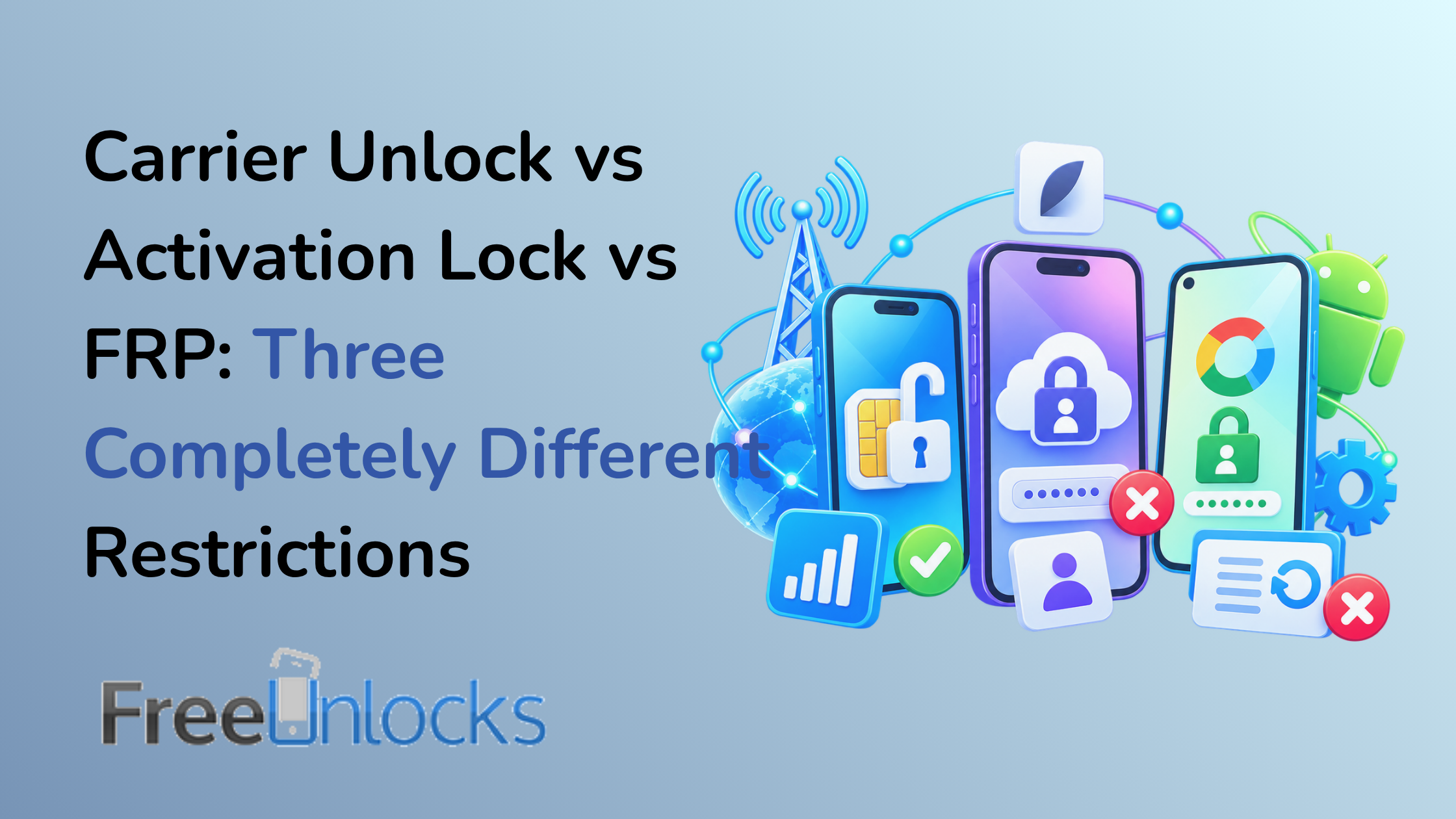
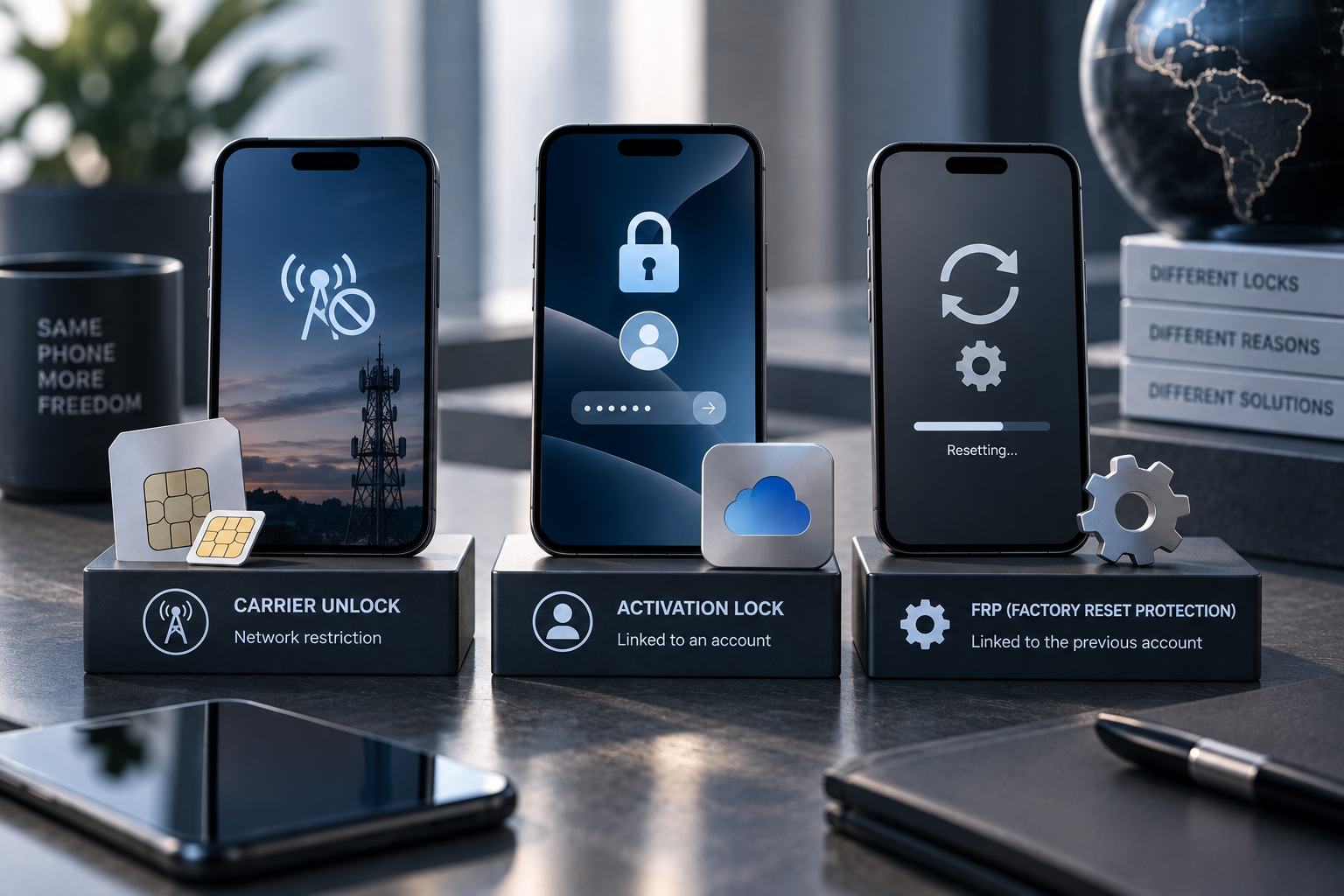
A carrier lock controls which compatible mobile network the phone can use. Apple’s Activation Lock protects an Apple device that remains tied to its owner’s account. Android’s Factory Reset Protection, or FRP, helps prevent an unauthorized person from resetting a protected device and setting it up as their own.
They have different purposes, different owners, and different legitimate solutions.
Understanding that distinction is essential before ordering any unlocking service.
Why the Word “Locked” Causes So Much Confusion
Consumers regularly encounter phrases such as:
- Network locked
- Carrier locked
- SIM locked
- Activation locked
- Locked to owner
- Google verification required
- Factory Reset Protection
The words sound related.
Technically, they are not.
Some restrictions govern network access.
Others protect device ownership and personal data.
That difference explains why a company that legitimately unlocks a phone for another carrier cannot simply remove every other security mechanism on the device.
What a Carrier or Network Lock Is
A carrier lock restricts the phone’s use with other mobile networks.
It commonly appears on devices originally sold under certain carrier financing, prepaid, promotional, or contract arrangements.
The exact rules vary by provider and country.
When a carrier-locked phone detects another provider’s SIM or eSIM, the user may see messages such as:
- SIM Not Supported
- Network Locked
- SIM Network Unlock PIN
- Invalid SIM
Once an eligible phone is properly carrier-unlocked, it can generally use other technically compatible networks.
That last phrase matters.
Unlocking does not create missing cellular bands or guarantee that every provider supports the model.
The carrier lock is one layer of compatibility.
What Apple Activation Lock Is
Apple Activation Lock serves a completely different purpose.
Apple states that Activation Lock works with Find My and is designed to stop another person from using an iPhone or iPad if it is lost or stolen. It remains associated with the owner’s Apple Account, and even remotely erasing the device does not automatically make it available to someone else.
This is an anti-theft feature, not a carrier restriction.
A user facing Activation Lock may see an iPhone Locked to Owner screen or be asked for the Apple Account associated with the device.
Legitimate resolution generally involves the owner removing the device from their account, entering the appropriate credentials, or using Apple’s supported process when proof of purchase is available. Apple documents those routes through its own support channels.
Changing the mobile carrier does not solve Activation Lock.
Neither does an ordinary network unlock.
What Android Factory Reset Protection (FRP) Is
Android has a related ownership-protection mechanism commonly called Factory Reset Protection.
Google explains that a protected Android device may require the previous screen lock or a Google Account that was previously added to the device after certain factory-reset scenarios. The objective is to stop someone from stealing a phone, erasing it, and simply setting it up as a new device.
Again, this has nothing to do with whether the phone can use Verizon, T-Mobile, Vodafone, Telia, or another carrier.
FRP protects device ownership and access after reset.
A carrier unlock affects network restrictions.
The legitimate ways to deal with FRP involve the authorized owner’s account and Google’s supported recovery or ownership processes.
Why Anti-Theft Locks Exist
Smartphones contain extraordinary amounts of personal information.
Email, authentication apps, photos, payment services, messages, documents, and location history can all reside on one device.
A simple factory reset would create a major theft incentive if it automatically converted a stolen phone into a clean device ready for resale.
Activation Lock and FRP deliberately prevent that.
Apple specifically advises second-hand buyers not to take ownership of an iPhone or iPad that remains protected by Activation Lock.
Google similarly explains that protected Android devices can require previous account or screen-lock information after reset.
Android’s broader theft-protection platform also now includes features such as Theft Detection Lock, Offline Device Lock and Remote Lock on supported devices.
These mechanisms are not inconveniences accidentally left behind by manufacturers.
They are security boundaries.
Carrier Lock vs Activation Lock: What Legitimate Unlocking Can—and Cannot—Do
This is the central distinction.
A professional carrier unlocking service can address an eligible carrier or network restriction using the appropriate method for that device and network.
It does not legitimately function as a way to bypass the previous owner’s Apple Account or Google Account protections.
Carrier unlocking may help when:
- You want to switch mobile providers.
- You want to use a compatible travel SIM.
- You purchased a legitimate carrier-locked phone.
- You want greater network flexibility before resale.
- A compatible SIM displays a network-lock message.
Carrier unlocking is not the appropriate service when:
- The iPhone displays “Locked to Owner.”
- Setup requests the previous owner’s Apple Account.
- Android setup requires the previous synced Google Account after reset.
- The device was reported stolen.
- You are trying to bypass ownership verification.
Identifying the type of restriction before ordering an unlocking service prevents wasted time and ensures you’re looking for the appropriate solution.
What About a Screen Lock?
There is another “lock” that users sometimes confuse with all three: the normal screen passcode.
A forgotten PIN, passcode, password or pattern is neither a carrier lock nor automatically Activation Lock/FRP.
The screen lock protects local access to the device.
Manufacturer recovery procedures may require erasing or restoring the device if credentials cannot be recovered, after which account-based protections can still apply.
A network unlocking provider does not need your screen passcode simply to perform a conventional carrier unlock unless a particular documented procedure genuinely requires interaction with the device.
What About SIM PINs?
A SIM PIN protects the SIM or eSIM line itself.
It is another independent security mechanism.
Repeatedly entering guessed codes can lock the SIM and require the carrier’s PUK code.
Do not confuse a SIM PIN with a SIM Network Unlock PIN. The similar wording is unfortunate, but the first protects the SIM while the second may indicate a network-restricted phone.
How to Identify Which Restriction You’re Actually Facing
Start with the exact message.
“SIM Not Supported” or “Network Locked”
This points toward a possible carrier restriction.
Confirm the lock status, original carrier and compatibility with the intended network.
“iPhone Locked to Owner”
This indicates Apple’s Activation Lock.
If you bought the device second-hand, contact the previous owner. Apple specifically recommends ensuring a used device has been removed from the previous owner’s account before taking ownership.
Google Account Verification After Reset
This points toward Android device protection/FRP.
Use the Google Account previously associated with the phone or Google’s supported account-recovery process.
“No Service”
This does not identify any of these restrictions by itself.
No Service can result from poor coverage, SIM provisioning, unsupported bands, network settings, IMEI status, or other problems.
Troubleshoot before ordering an unlock.
Buying a Used Phone: Check Both Types of Status
Second-hand buyers should verify carrier status and ownership security separately.
For an iPhone, make sure the seller has removed Activation Lock and that the phone reaches a normal setup state without asking for the previous owner’s account.
Then check whether the phone is also carrier-unlocked if that matters to you.
For Android, the seller should properly remove their accounts before resetting the phone.
A phone can be:
- Activation-ready but carrier-locked
- Carrier-unlocked but still tied to an owner account
- Clean in both respects
- Restricted in multiple independent ways
Never assume that the word “unlocked” on a marketplace listing covers every meaning.
Why This Distinction Matters for Legitimate Service Providers
Clear boundaries protect customers.
A reputable carrier-unlocking provider should explain what its service addresses rather than promising to “unlock anything.”
That helps prevent customers from purchasing the wrong service.
It also preserves the difference between giving the legitimate owner more carrier freedom and defeating security features specifically designed to protect ownership.
Trust depends partly on knowing what a service will not do.
Conclusion: Identify the Lock Before Looking for the Solution
The carrier lock vs activation lock distinction becomes straightforward once you ask what the restriction is protecting.
Carrier locks regulate network access.
Apple Activation Lock protects ownership through the Apple Account and Find My.
Android FRP helps prevent an unauthorized user from resetting a protected device and claiming it as their own.
Because these systems solve different problems, they require different legitimate solutions.
Read the exact message, identify the type of restriction, and use the appropriate official or professional channel rather than treating every “locked phone” as the same problem.
FreeUnlocks.com specializes in legitimate carrier and network unlocking services, with clear service descriptions that help customers understand exactly what type of restriction is being addressed.
