One of the most common questions before ordering a carrier unlock is simple: does unlocking phone erase data from the device?
For most standard carrier-unlocking processes, the answer is no. Carrier unlocking deals with the phone’s ability to use other compatible mobile networks. It is not the same process as factory resetting a device, restoring its software, or deleting personal content.
However, “unlocking” can refer to several very different procedures online, and specific device or service instructions can vary. That makes it sensible to understand exactly which process you are using before you begin.
The reassuring part is that protecting your photos, messages and other information is straightforward—and maintaining a current backup is good practice even when data loss is not expected.
The Short Answer: Carrier Unlocking and Your Data
A legitimate carrier unlock normally changes a network restriction.
It does not need to erase your photo library, uninstall apps, delete conversations, or clear contacts simply to allow the phone to accept another compatible carrier.
Think of the device as having different layers.
Your personal data occupies one layer.
Your mobile network authorization exists in another.
Changing one does not automatically mean changing the other.
That is why a user can often complete an unlock and continue using the same phone exactly as before, except that another compatible SIM or eSIM can now be activated.
Why Unlocking Is Often Confused With Factory Resetting
The confusion comes partly from the vocabulary used around smartphones.
Users encounter:
- Carrier unlock
- Screen unlock
- SIM unlock
- Bootloader unlock
- Factory reset
- Account recovery
- Activation Lock
These processes are not interchangeable.
A factory reset intentionally removes user data and settings.
A carrier unlock addresses network restrictions.
A screen unlock gives access to the device.
A bootloader unlock is an advanced software-development operation and may trigger data wiping on some platforms.
When someone asks, does carrier unlock reset phone, the important word is “carrier.”
Carrier unlocking should not be casually grouped together with other technical procedures that happen to contain the word “unlock.”
A useful internal link here would be Unlocking vs Factory Reset: Myths & Best Practices.
Different Unlocking Methods and Their Effect on Data
Not every carrier-unlocking workflow looks identical.
Understanding the method gives you a much clearer idea of what to expect.
Carrier or Database-Based Unlock
Many modern unlocking processes work through carrier or manufacturer systems linked to the device’s IMEI.
Once the appropriate network restriction is removed, the phone receives or recognizes the updated status.
This type of process generally does not involve wiping personal storage.
You may need to restart the phone, connect to Wi-Fi, insert another SIM, or follow specific completion instructions depending on the device and service.
Unlock Code
Some phones use a network unlock code.
The user inserts another compatible carrier’s SIM, receives a network-unlock prompt, and enters the supplied code.
Again, the process deals with network authorization rather than stored photos and applications.
It is important to enter codes carefully and follow the provider’s instructions rather than repeatedly guessing.
Device-Assisted or Software-Specific Procedures
Certain device, carrier or legacy workflows may require more interaction.
That does not automatically mean data will be erased.
However, any service that requires software tools, resets, firmware changes, or unusual device preparation should explain those requirements clearly before you begin.
Before ordering, check the instructions for your specific unlocking method so you know exactly what the process involves and can prepare accordingly.
Bootloader Unlocking Is Different
This distinction is especially important for Android enthusiasts.
Bootloader unlocking allows deeper software modification and is not the same as carrier unlocking.
On many Android devices, unlocking the bootloader triggers a factory data reset as a security measure.
If your goal is simply to change carriers, do not confuse these two procedures.
When a Backup Is Still Recommended
If carrier unlocking normally preserves data, why back up at all?
Because phones fail independently of unlocking.
A battery can die. Storage can malfunction. An operating-system update can go wrong. A phone can be lost five minutes after the unlock completes.
A current backup turns those events into inconveniences instead of permanent data loss.
Backing up is therefore a sensible precaution before any important device procedure, not evidence that the unlock itself is expected to delete your information.
It also reduces anxiety.
You can follow the required steps knowing that your irreplaceable files already exist somewhere else.
What to Back Up Before Starting
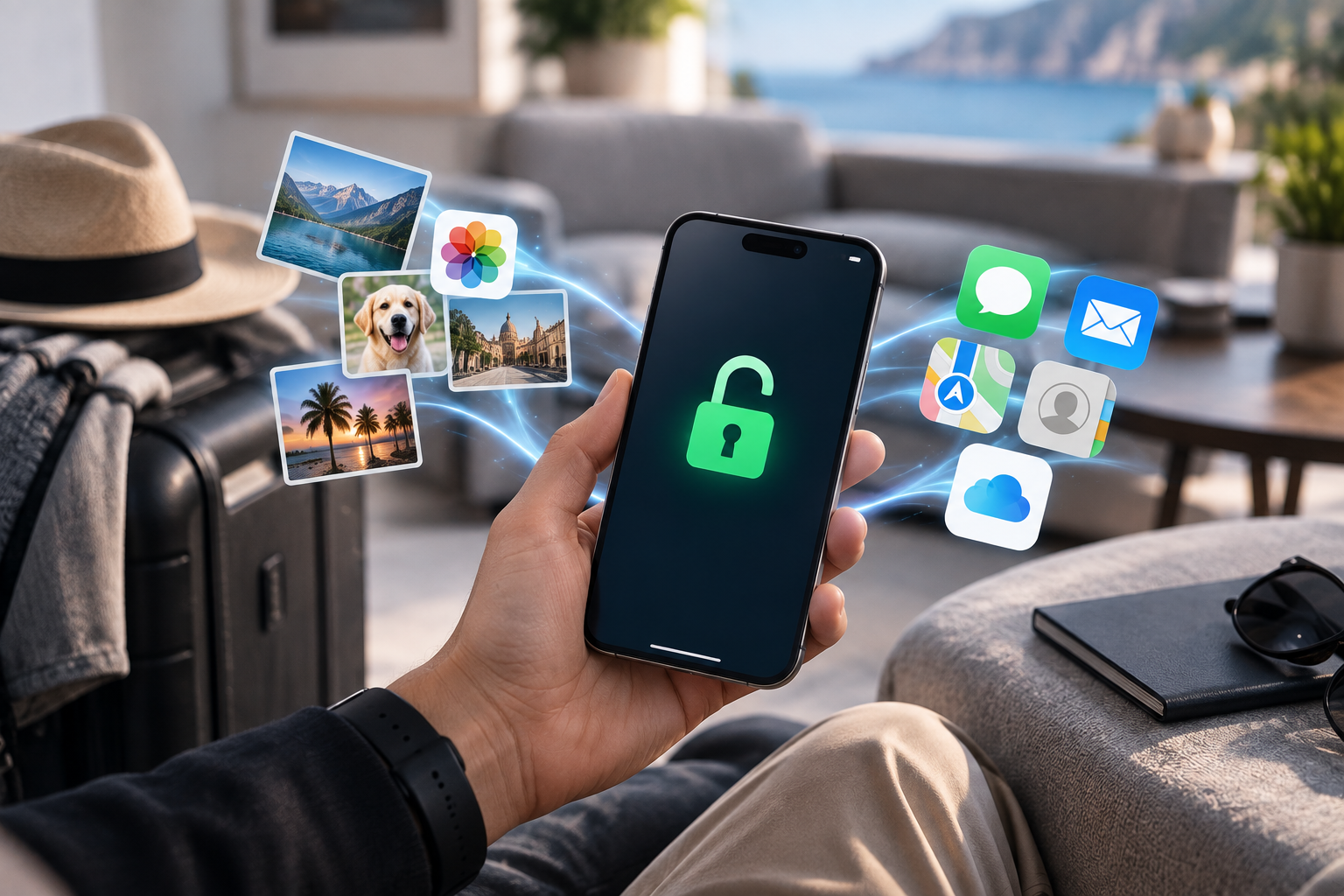
You do not necessarily need to manually copy every file.
Modern iPhones and Android devices can synchronize substantial amounts of information through cloud services.
Still, review the categories that matter most to you.
Photos and Videos
Photos often represent the most irreplaceable content on a phone.
Check whether your photo library has finished synchronizing to iCloud, Google Photos, another cloud provider, or a local computer.
Do not assume that seeing a cloud icon means every original file has uploaded successfully.
Contacts
Contacts may synchronize with an Apple, Google, Microsoft, or other account.
Confirm which account stores them.
A surprising number of users discover that some contacts existed only locally after something goes wrong.
Authentication Data
Two-factor authentication deserves special attention.
If you use authenticator apps for banking, work, email or other services, confirm that you have an appropriate recovery or transfer method.
Losing authentication access can be more disruptive than losing an ordinary application.
Messaging Backups
WhatsApp and other messaging platforms may use their own backup systems.
Check the application’s current backup status rather than assuming the operating-system backup covers every conversation.
For SMS and platform-native messaging, review the relevant Apple or Google synchronization settings.
Important App Data
Some applications store information entirely in the cloud.
Others keep local files.
If you use specialist work applications, note-taking tools, games or password managers, verify how each important service restores data.
Do You Need to Remove the SIM Before Unlocking?
Usually, follow the instructions for the particular unlocking method.
Some processes require the original SIM. Some require a SIM from another carrier for testing. Others require no SIM interaction until completion.
Removing a SIM does not itself erase data from the phone.
The SIM primarily contains information related to mobile service, not your modern smartphone’s entire photo library or application set.
For eSIM, do not delete an active profile unless the instructions specifically require it or you already know how to restore the line.
Deleting an eSIM and carrier-unlocking the phone are separate actions.
What About iCloud and Google Accounts?
A carrier unlock normally does not require you to delete your Apple Account or Google Account.
Those accounts manage personal content, cloud synchronization, app purchases and device-security features.
If an unlocking service unexpectedly requests your Apple Account password, Google password, or unrelated account credentials, ask why.
A normal carrier unlock should focus on information relevant to the phone and network.
An internal link to What Information Does a Phone Unlocking Service Really Need? would be highly relevant here.
What to Expect After the Unlock Is Completed
The exact completion step varies.
You may receive confirmation that the unlock has processed.
Then you may need to:
- Restart the phone.
- Connect it to Wi-Fi or mobile data.
- Insert or activate the intended new SIM/eSIM.
- Allow carrier settings to update.
- Test calls, texts and data.
Your existing applications and files should remain where they were if the method did not involve a reset.
If the new network does not immediately work, do not assume your data is at risk or the unlock failed.
Activation and compatibility are separate questions.
What If the New SIM Shows No Service?
No Service after unlocking can have several causes.
Check:
- Whether the new SIM is active
- Whether the carrier has provisioned the line
- Whether the phone supports the network’s bands
- Whether APN settings are correct
- Whether the device’s IMEI is accepted
- Whether there is an outage
Unlocking removes a carrier restriction.
It does not automatically activate the replacement SIM or guarantee that every network is technically compatible.
Does an Unlock Survive a Factory Reset?
A legitimate permanent carrier unlock should normally be treated separately from a factory reset.
Erasing your personal content does not usually recreate the carrier restriction.
Likewise, performing a factory reset is not a method for unlocking a locked phone.
Users relying on temporary or unofficial software workarounds may encounter different behavior, which is another reason to understand the method before proceeding.
Safe Unlocking Means Knowing What Will Happen
The best way to unlock phone without losing data is not to search for a universal trick.
It is to use a clear, device-appropriate method with documented requirements.
Before starting:
- Confirm the exact phone model.
- Verify the original carrier.
- Double-check the IMEI.
- Read the service instructions.
- Create a current backup.
- Avoid unrelated resets or firmware changes.
These steps take little time and provide much greater confidence.
Conclusion: Carrier Unlocking Shouldn’t Mean Losing Your Digital Life
So, does unlocking phone erase data?
With normal professional carrier unlocking, your photos, applications, contacts and messages should generally remain intact because the process addresses network restrictions rather than personal storage.
The key is knowing which kind of “unlocking” you are actually performing.
Carrier unlocking is different from a factory reset, bootloader unlocking, account-security recovery, and other procedures that may affect device data.
Back up important information anyway, read the instructions for the exact service, and avoid performing unrelated resets simply because you are changing carriers.
FreeUnlocks.com provides clear instructions for each supported unlocking service, helping customers understand the process before making changes to their devices.
