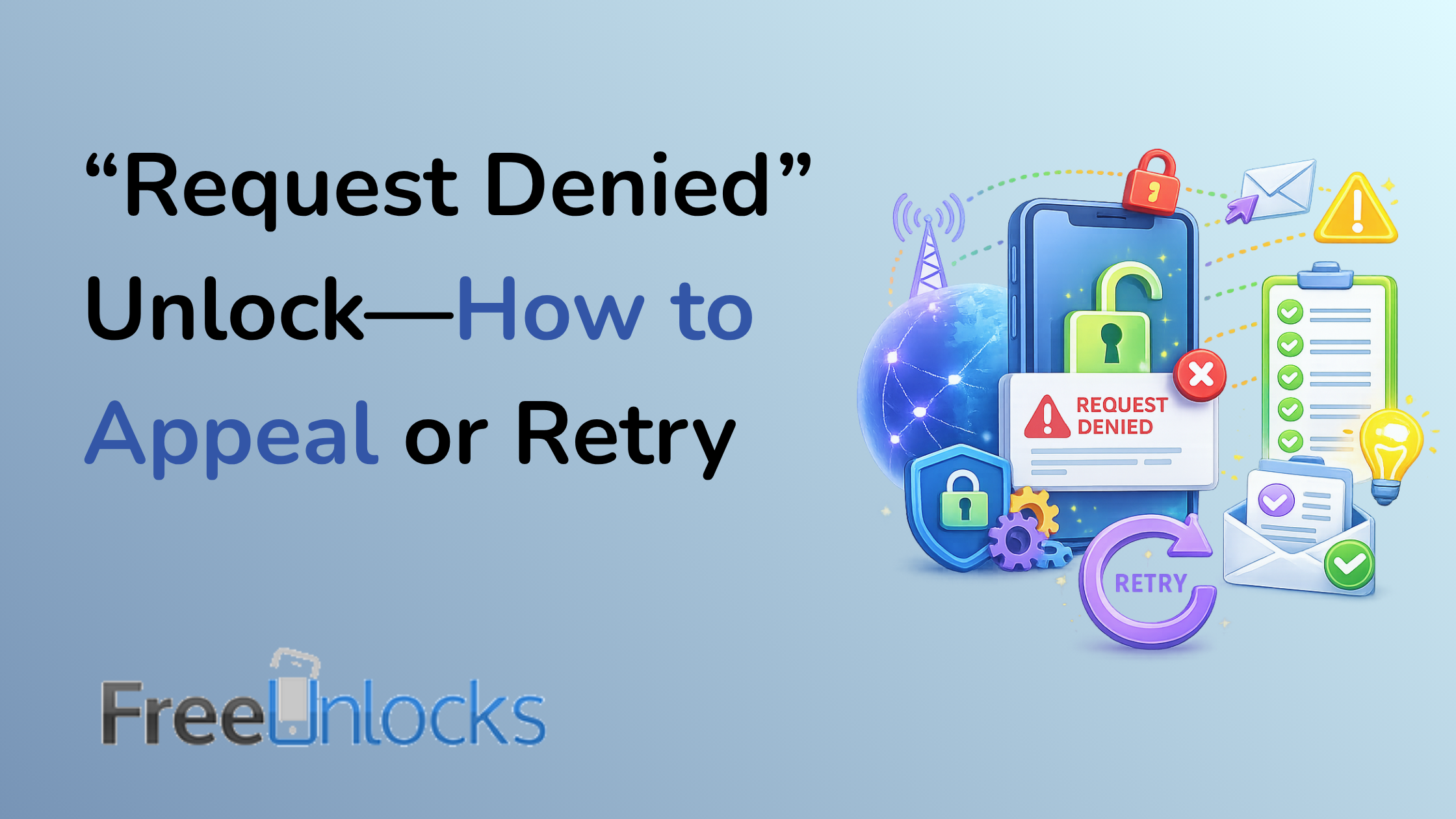
Seeing the message unlock request denied can be frustrating, especially when you believe your phone should already be eligible. Many users wait through the required period, pay their bills, submit the request, and still receive a refusal from the carrier.
The good news is that a denied unlock does not always mean the situation is final. In many cases, the issue comes from missing documentation, account status, carrier policy rules, or technical delays.
This guide explains why carriers deny unlock requests, how to appeal properly, when to retry, and when a professional unlocking service may offer a faster and clearer solution.
Unlock Request Denied: Common Reasons It Happens
Carriers deny unlocking requests for several reasons. Some are simple to resolve, while others require additional verification or expert help.
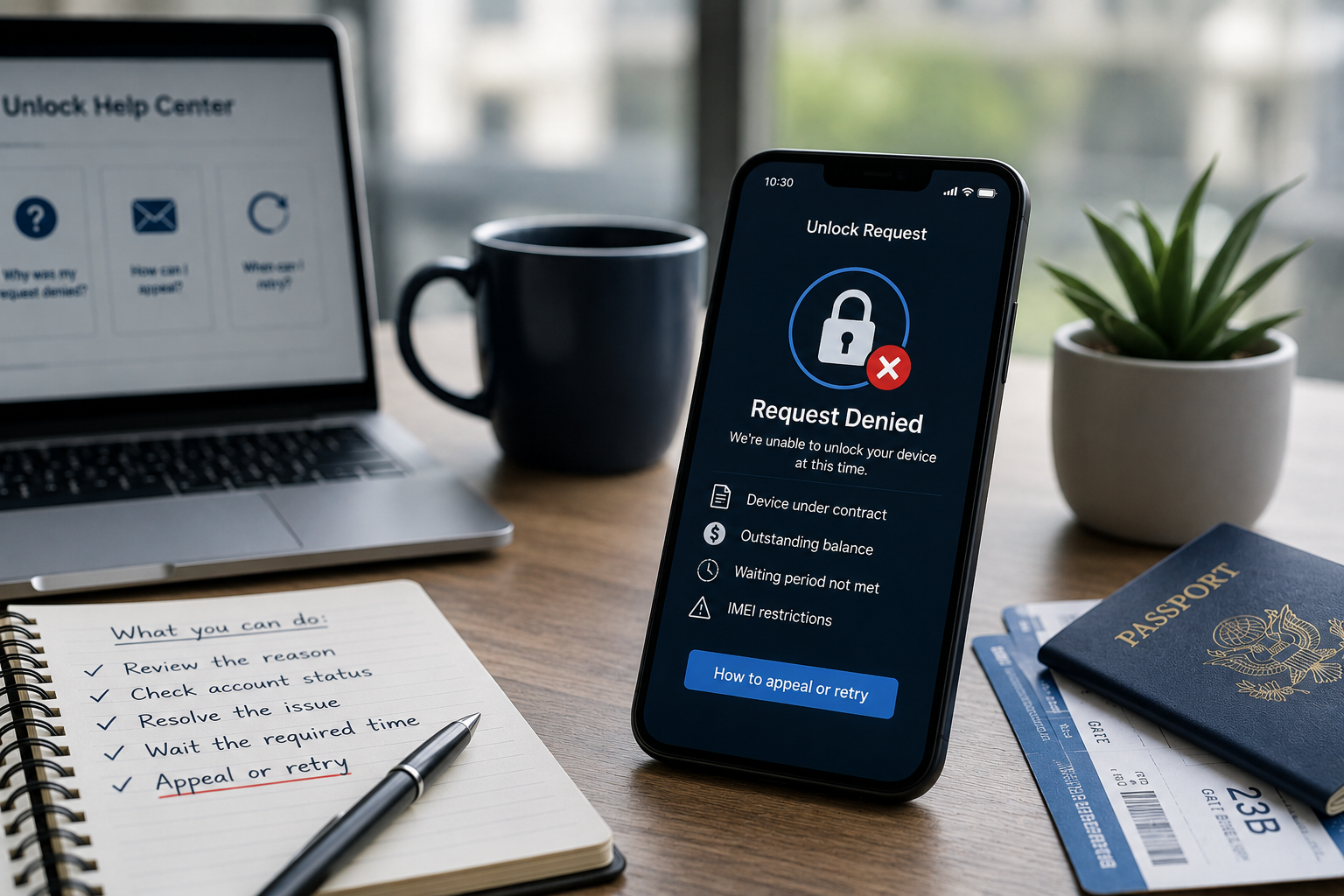
1. The Device Is Still Under Contract
Many carriers require customers to complete the full contract term before unlocking a phone. If the device remains tied to an active agreement, the carrier may refuse the request.
This often applies to:
- Installment plans
- Promotional device offers
- Early upgrade programs
- Business or family accounts
Before appealing, check whether any contractual obligation remains active.
2. The Phone Has an Outstanding Balance
A phone may look eligible at first glance, but an unpaid balance can block the unlock.
This may include:
- Remaining device payments
- Missed monthly bills
- Early termination fees
- Account-related charges
Even a small unresolved balance can lead to a denied phone unlock.
3. The IMEI Has a Restriction
The IMEI is the unique identifier tied to the device. Carriers use it to verify ownership, status, and eligibility.
A carrier may deny the request if the IMEI shows:
- Lost or stolen status
- Fraud-related flags
- Incomplete activation records
- Previous account issues
An IMEI check can help confirm whether this is the reason for the refusal.
4. The Waiting Period Has Not Passed
Some carriers require a minimum usage period before unlocking becomes available. This may be 40, 60, 90, or more days depending on the carrier and region.
If you submit the request too early, the system may automatically reject it.
5. Carrier Systems Did Not Process the Request Correctly
Not every denial means the device is truly ineligible. Sometimes the issue comes from internal carrier systems.
Common examples include:
- Outdated account information
- Incorrect activation date
- Delayed database update
- Mismatched IMEI records
In these cases, an appeal or retry may solve the issue.
How to Appeal an Unlock Request Denied Message
If your unlock request denied message seems incorrect, start with a structured appeal. Clear documentation improves your chances of success.
Step 1: Gather Your Device Information
Before contacting the carrier, prepare:
- IMEI number
- Phone model
- Original carrier
- Purchase date
- Account number, if available
Accurate details help support teams locate the correct record quickly.
Step 2: Collect Proof of Ownership
Carriers may ask for proof that you legally own the device.
Useful documents include:
- Purchase receipt
- Invoice
- Payment confirmation
- Contract completion notice
- Trade-in or upgrade documents
If you bought the phone second-hand, ask the seller for any available proof of purchase.
Step 3: Ask for the Exact Denial Reason
Do not accept a generic refusal if the explanation is unclear. Ask the carrier to confirm the specific reason.
Useful questions include:
- Is the device financially clear?
- Is the account in good standing?
- Is the IMEI restricted?
- Has the waiting period passed?
- Is any additional verification required?
The clearer the reason, the easier it becomes to solve the problem.
Step 4: Submit an Appeal Through the Proper Channel
Some carriers offer online unlock portals. Others require phone, chat, or email support.
When appealing, keep your message short and factual. Include:
- Your IMEI
- Proof of eligibility
- Denial message
- Request for review
Professional and organized communication often leads to faster results.
How to Retry the Unlock Correctly
If the carrier confirms that the issue can be resolved, you may need to retry the unlock request.
Wait for System Updates
If you recently paid off the device or updated account information, wait until the carrier system refreshes.
This may take:
- A few hours
- One full billing cycle
- Several business days
Submitting repeated requests too quickly may slow the process.
Correct Any Incorrect Information
Before retrying, confirm that all details match carrier records.
Check:
- IMEI number
- Account name
- Device model
- Activation date
Even one incorrect digit in the IMEI can cause an unlock refusal.
Try a Different Support Channel
If online requests fail repeatedly, contact support directly. A human agent may see details that automated systems miss.
Try:
- Live chat
- Phone support
- Escalation department
- Business support, if applicable
Escalation often helps when the issue involves outdated records or account history.
When a Third-Party Unlock Service Makes Sense
Sometimes carriers continue to deny requests even after users provide documentation. This can happen with second-hand phones, imported devices, old accounts, or regional carrier restrictions.
In these cases, a trusted third-party unlocking service can help identify other available options.
How Professional Unlocking Services Help
A reliable unlocking provider can:
- Check IMEI status
- Identify the original carrier
- Confirm likely eligibility issues
- Recommend the correct unlock method
- Provide support throughout the process
This saves users time and avoids repeated trial and error.
Why Experience Matters
Not every unlock refusal has the same solution. The right approach depends on the device, carrier, region, and IMEI status.
Experienced unlocking specialists understand these differences and can guide users toward the most suitable path.
Common Mistakes to Avoid After an Unlock Refusal
Submitting Too Many Requests
Repeated requests may create confusion or trigger additional review.
Instead, identify the denial reason first.
Using the Wrong Carrier Information
Many users buy second-hand phones without knowing the original carrier. Submitting the request to the wrong carrier usually results in denial.
An IMEI check can help identify the correct network.
Ignoring IMEI Status
If the IMEI has a restriction, retrying the same request will not solve the issue.
Always verify IMEI status before appealing.
Choosing Based on Price Alone
When seeking help, avoid choosing a provider only because it offers the lowest price. Reliable unlocking depends on experience, transparency, and support quality.
Tips for a Successful Unlock Appeal
To improve your chances, follow these best practices:
- Check your IMEI first
Confirm the device status before contacting the carrier. - Prepare documentation
Proof of ownership and payment can support your appeal. - Stay clear and polite
Support agents respond better to organized requests. - Ask for escalation when needed
First-level support cannot always resolve complex cases. - Use professional help if delays continue
A reliable unlocking service can save time and clarify the best next step.
Conclusion: A Denied Unlock Request Is Not Always the End
Receiving an unlock request denied message can feel discouraging, but it does not always mean your phone cannot be unlocked. Many refusals come from missing documents, account issues, timing problems, or carrier system delays.
By checking the denial reason, gathering the right documents, and retrying carefully, many users can resolve the problem. If the carrier still says no, professional help may provide a clearer and faster path.
Our unlocking service helps users when carriers deny unlock requests. We review device details, verify IMEI status, and guide you toward the most reliable unlocking solution available.
If your unlock request was denied and you are not sure what to do next, contact us today and let our experts help you move forward with confidence.
